Instagram Operational But Users Report Outages: What's Going On?
There's a familiar scenario playing out across the digital landscape: you open Instagram, eager to scroll through your feed, post a story, or check your DMs, only to find it's unresponsive. Photos won't load, videos buffer endlessly, or perhaps the app simply crashes. Frustrated, you head to Google, typing in the dreaded query: "Instagram Not Working." But then comes the plot twist – official status checkers, like StatusGator, declare Instagram to be fully operational. So, what gives? Are you alone in this digital wasteland, or is there a bigger, more complex issue at play?
This article delves into the perplexing discrepancy between Instagram's official operational status and the real-world experiences of users reporting outages. We'll explore why this happens, what signs to look for, and most importantly, what steps you can take when Instagram seems to be down for you, even if not for the rest of the world.
The Puzzle: Instagram Officially Up, But Users Are Struggling
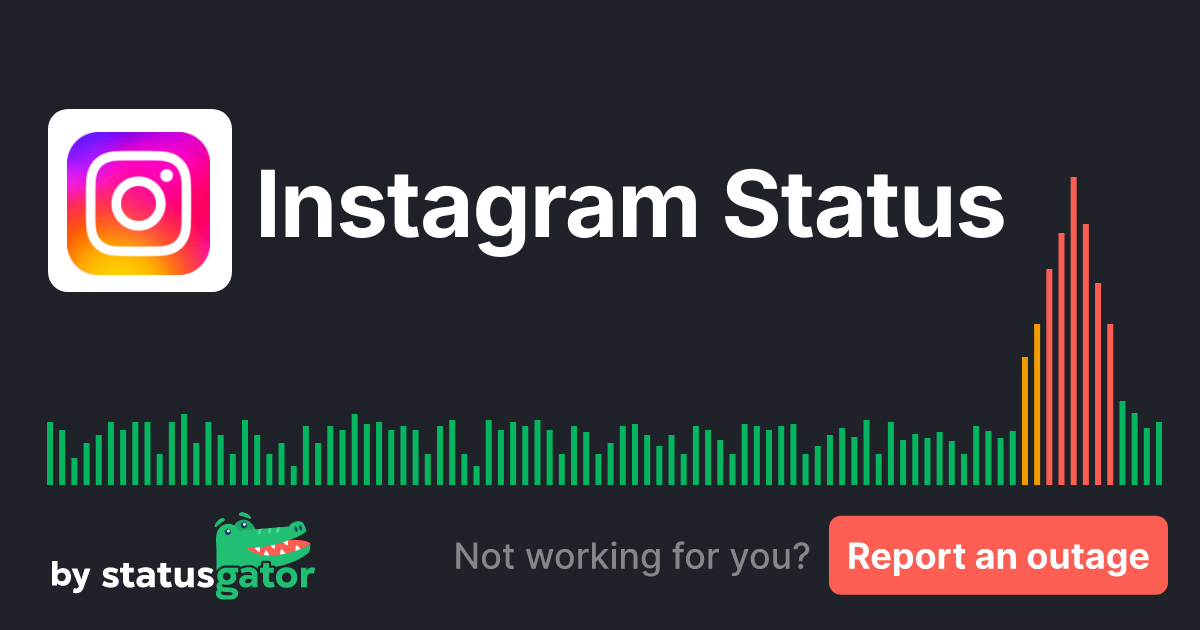
The core of the confusion lies in the often-conflicting reports. On one hand, services designed to monitor major platforms report Instagram as "up." StatusGator, for instance, might confirm Instagram is currently operational, indicating that its core systems and primary services are functioning as expected. However, in the very next breath, it might acknowledge a handful of user-submitted reports of outages within the last 24 hours. This isn't just a minor technicality; it reflects a significant difference in perspective.
Understanding Official Status Reports
When a monitoring service declares Instagram "operational," they are typically verifying the health of the platform's central infrastructure. This includes its main servers, global network connectivity, and core API services. These checks are designed to detect widespread, catastrophic failures that would render the entire platform inaccessible to a majority of its billions of users. If Instagram's main website loads, and fundamental functionalities are responsive at a global level, these services will report it as online. They're looking for the big picture, the global heartbeat of the service.
The issue is, the user experience is far more granular than a simple "up or down" toggle. A massive, globally distributed platform like Instagram relies on countless components, server clusters, content delivery networks (CDNs), and regional data centers. A problem in any one of these smaller, localized segments can lead to a "Instagram Not Working" experience for millions, without triggering a red alert on the global status dashboard.
The User Experience: What "Not Working" Looks Like
For an individual user, "Instagram Not Working" can manifest in various frustrating ways. It's rarely about the entire app being completely inaccessible, but rather a breakdown in specific functionalities:
- Feed Not Refreshing: You pull down to refresh, but new posts simply don't appear.
- Stories and Reels Not Loading: Tapping on a story leads to an endless loading spinner or an error message.
- Inability to Post: Uploading photos or videos fails repeatedly, sometimes with a generic error.
- Direct Messages Failing: Messages won't send, or you can't see new incoming ones.
- App Crashing or Freezing: The application might suddenly close or become unresponsive.
- Login Issues: You might be logged out and unable to sign back in, even with correct credentials.
- Specific Feature Malfunctions: Parts of the app like the Explore page, shopping features, or live streams might be broken while others work.
These symptoms point to localized or specific service issues, which official status pages, designed for broader monitoring, often won't immediately flag.
Why You Might Be Experiencing Issues When Instagram is "Up"
The complexity of modern internet services means that many factors can contribute to a "Instagram Not Working" situation, even when the platform's core infrastructure is sound. These issues can broadly be categorized into client-side (your end) and localized server-side (Instagram's end, but not global).
Client-Side Problems: Is It Just You?
Often, the problem isn't with Instagram itself, but with your personal setup. Before panicking, it's crucial to rule out these common culprits:
- Your Internet Connection: A weak, unstable, or completely absent Wi-Fi or mobile data connection is the most frequent cause. Even if other apps seem to work, Instagram's data-intensive nature can be more sensitive to connectivity issues.
- Outdated Instagram App: Running an old version of the app can lead to compatibility issues with Instagram's constantly evolving backend. Updates often include crucial bug fixes and performance enhancements.
- Corrupted App Cache: Over time, the Instagram app accumulates cached data. While this speeds up loading, a corrupted cache can interfere with normal operation, causing glitches, loading problems, and even crashes.
- Device Issues: Your phone or tablet might be running low on storage, have too many background apps open, or be experiencing general operating system instability. These can impact any app's performance.
- Network Restrictions: Sometimes, firewalls, VPNs (if misconfigured), or network settings on your router can inadvertently block or throttle Instagram's connection.
Server-Side (Localized or Partial Outages): Not Just Global
Even if your end is perfectly fine, the problem might still reside with Instagram, but on a more localized or specific level:
- Geographic Server Cluster Issues: Instagram serves its global user base from numerous data centers and server clusters worldwide. An issue in a specific region's cluster could affect all users in that area, while those on different clusters remain unaffected.
- Content Delivery Network (CDN) Problems: CDNs are crucial for quickly delivering media like photos and videos to users based on their geographic location. If a CDN provider or a specific node within it experiences an issue, users reliant on that node might find media failing to load, even if the main Instagram application logic is working.
- Specific Feature Outages: Instagram is a conglomerate of many services (feed, stories, Reels, DMs, Explore, Shop, etc.). It's entirely possible that the server infrastructure supporting one specific feature might be experiencing issues, while others continue to function normally. For example, Reels might be down while your main feed works fine.
- Rolling Maintenance or Updates: Instagram frequently deploys updates and performs maintenance. Sometimes these are done in phases or affect specific server groups, leading to temporary instability or outages for a subset of users before the update is fully rolled out and stabilized.
Understanding these distinctions is key to effectively troubleshooting and determining whether the problem truly lies with Instagram, or with something closer to home. For a deeper dive into how different status checks compare, you might find this article helpful: Is Instagram Down? Official Status vs. User Reports.
What To Do When Instagram Seems Down For You (But Not Everyone Else)
When you encounter the "Instagram Not Working" issue, and official reports give you no answers, don't despair! There are several practical troubleshooting steps you can take to diagnose and potentially resolve the problem.
- Check Your Internet Connection: This is always step one.
- Try opening other internet-dependent apps or websites.
- Toggle your Wi-Fi off and then back on. If on mobile data, switch to Wi-Fi if available, or vice-versa.
- Consider restarting your router/modem.
- Force Close and Reopen Instagram: A simple restart of the app can often clear temporary glitches.
- Restart Your Device: Turning your phone or tablet completely off and then back on can resolve many underlying operating system issues affecting app performance.
- Clear Instagram Cache and Data:
- On Android: Go to Settings > Apps > Instagram > Storage > Clear Cache and then Clear Data (be aware this will log you out).
- On iOS: There isn't a direct "clear cache" option like Android. Your best bet is to uninstall the app and then reinstall it from the App Store.
- Update Instagram App: Head to your device's app store (Google Play Store or Apple App Store) and check if there's an update available for Instagram. Keeping the app current is vital for optimal performance.
- Check for Device OS Updates: Ensure your phone's operating system (iOS or Android) is up to date. Outdated OS versions can sometimes cause compatibility issues with newer app versions.
- Try Another Device or Network: If possible, try accessing Instagram on a different device (e.g., a friend's phone, a tablet) or on a different network (e.g., switch from home Wi-Fi to mobile data, or vice-versa). This helps pinpoint if the issue is device-specific or network-specific.
- Consult Third-Party Downdetector Sites: While official sources might say "up," community-driven sites like Downdetector or IsDown aggregate user reports in real-time. A sudden spike in reports there, even if minor, indicates that others are experiencing issues similar to yours, suggesting a localized Instagram problem.
- Check Instagram's Official Social Media: In rare cases of widespread but not critical issues, Instagram might post updates on its official Twitter account or other social media channels.
The Role of User Reports
User-submitted reports on platforms like Downdetector are invaluable. They act as an early warning system, providing granular, real-time insights into localized outages or specific feature breakdowns that might not register on Instagram's overarching operational status. By checking these platforms and contributing your own reports, you help create a clearer picture of the actual user experience globally.
When to Suspect a Wider Problem
Even with official reports stating Instagram is operational, certain indicators suggest the problem might be more widespread than just your device or network:
- Significant Spike in User Reports: If you see thousands of users reporting issues on Downdetector within a short period, it's a strong sign of a larger, even if localized, outage.
- Friends and Family Confirming Issues: If people in your immediate network are experiencing the exact same problems, it's highly unlikely to be an isolated incident on your end.
- Media Reports: Major tech news outlets sometimes pick up on widespread user reports, even before official statements are made.
- Consistent Error Messages: If you're consistently receiving the same, specific error message within the Instagram app, it often points to a server-side problem rather than a client-side glitch.
It’s essential to differentiate between a truly global outage and one that affects a significant portion of users in a particular region or with specific hardware/software configurations. The internet is a vast and complex ecosystem, and pinpointing the exact cause of an issue can sometimes feel like detective work.
The Impact of Downtime (Even Partial)
For individuals, even partial downtime can mean missed connections, delayed communications, or simply the frustration of not being able to use a beloved platform. For businesses, however, it can translate into tangible losses: missed marketing opportunities, inability to engage with customers, or a disruption in their social media strategy. The smooth functioning of Instagram is critical for many aspects of modern digital life.
When you're trying to figure out if it's just you or everyone else, patience and systematic troubleshooting are your best allies. For more detailed steps on diagnosing the problem, check out: Instagram Not Working For You? Check If It's Down (Or Just You).
Conclusion
The phenomenon of "Instagram Not Working" while official status checkers declare it operational is a common and often frustrating experience. It highlights the vast difference between monitoring a global platform's core health and the intricate, localized reality of individual user experiences. Whether the issue stems from your device, your internet connection, or a specific server cluster within Instagram's massive infrastructure, a systematic approach to troubleshooting can often help you identify and resolve the problem. By understanding the various potential causes and following practical steps, you can navigate these digital roadblocks and get back to enjoying your Instagram experience.